Your debate is coming up. You know your topic and you know your opponent. What you might not know yet is exactly how the arena runs once you step in, and that is what this guide is for.
We walk through the whole thing in order, from your profile to the moment the arena closes, so nothing on the day comes as a surprise.
Prefer to watch? Here is the whole walkthrough in about four minutes.
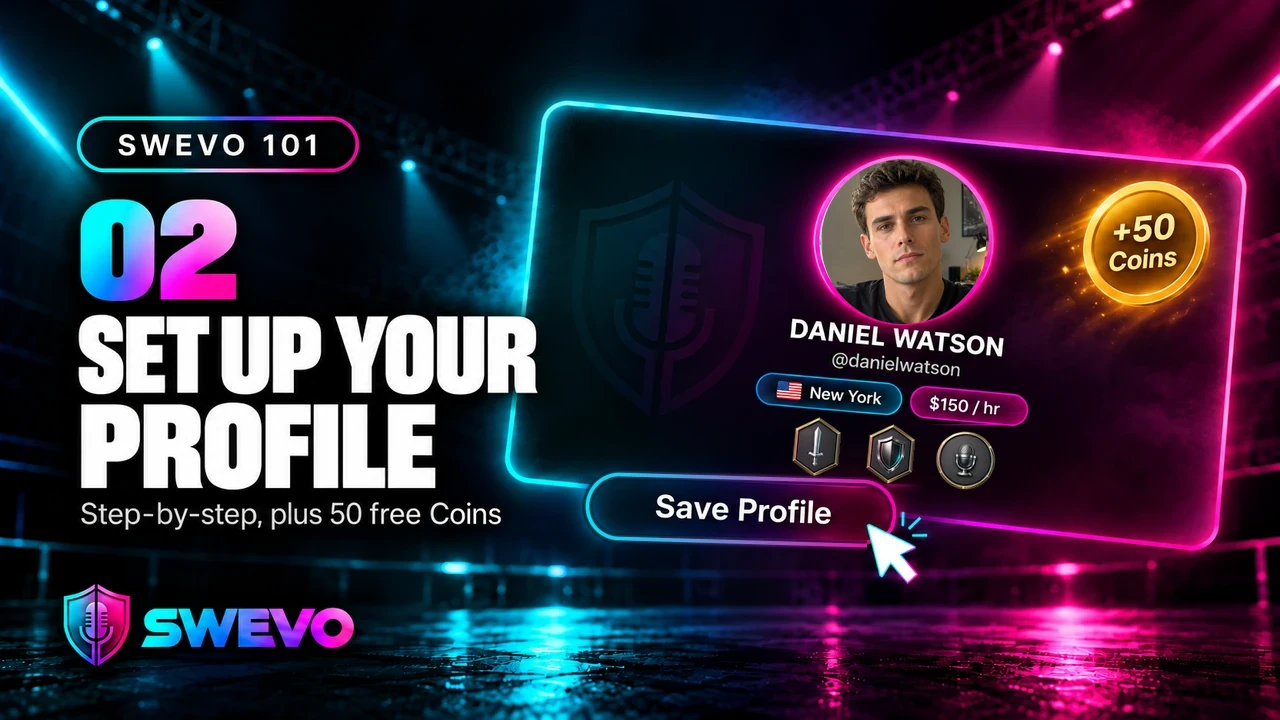
Before debate day, make sure your Swevo profile is complete. Add a clear photo and a short bio that says who you are and what you care about. Viewers can open your profile right from the arena and follow you while you speak, so this is your first impression on everyone watching.
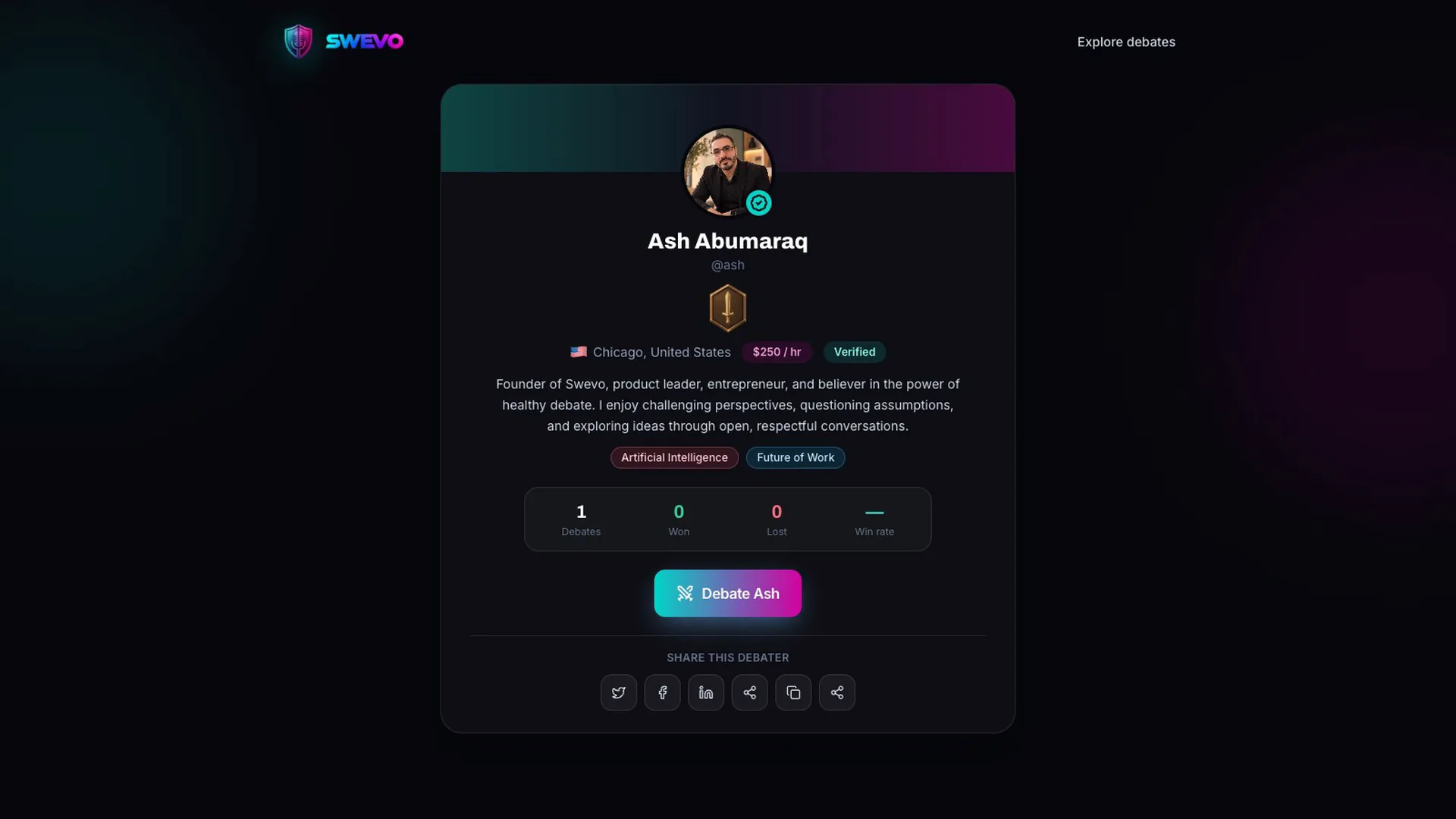
It takes about two minutes. If you have not done it yet, here is how to set up your debater profile on Swevo.
A few simple things make a big difference on camera:
- Find a quiet spot with no background noise or interruptions.
- Light your face. Sit with the light in front of you, not behind you.
- Get a stable connection. Wired is best, or sit close to your Wi-Fi.
- Wear headphones, so your opponent never hears an echo.
- Stick to one device and one browser tab. Opening your link twice can drop your seat.
Step 3: Open your debater link and check your camera
When you are ready, open your debater link. You will land on the debaters' entrance, which shows the motion and both debaters. Sign in with the same account you used to accept your invite, and you go straight to your seat.
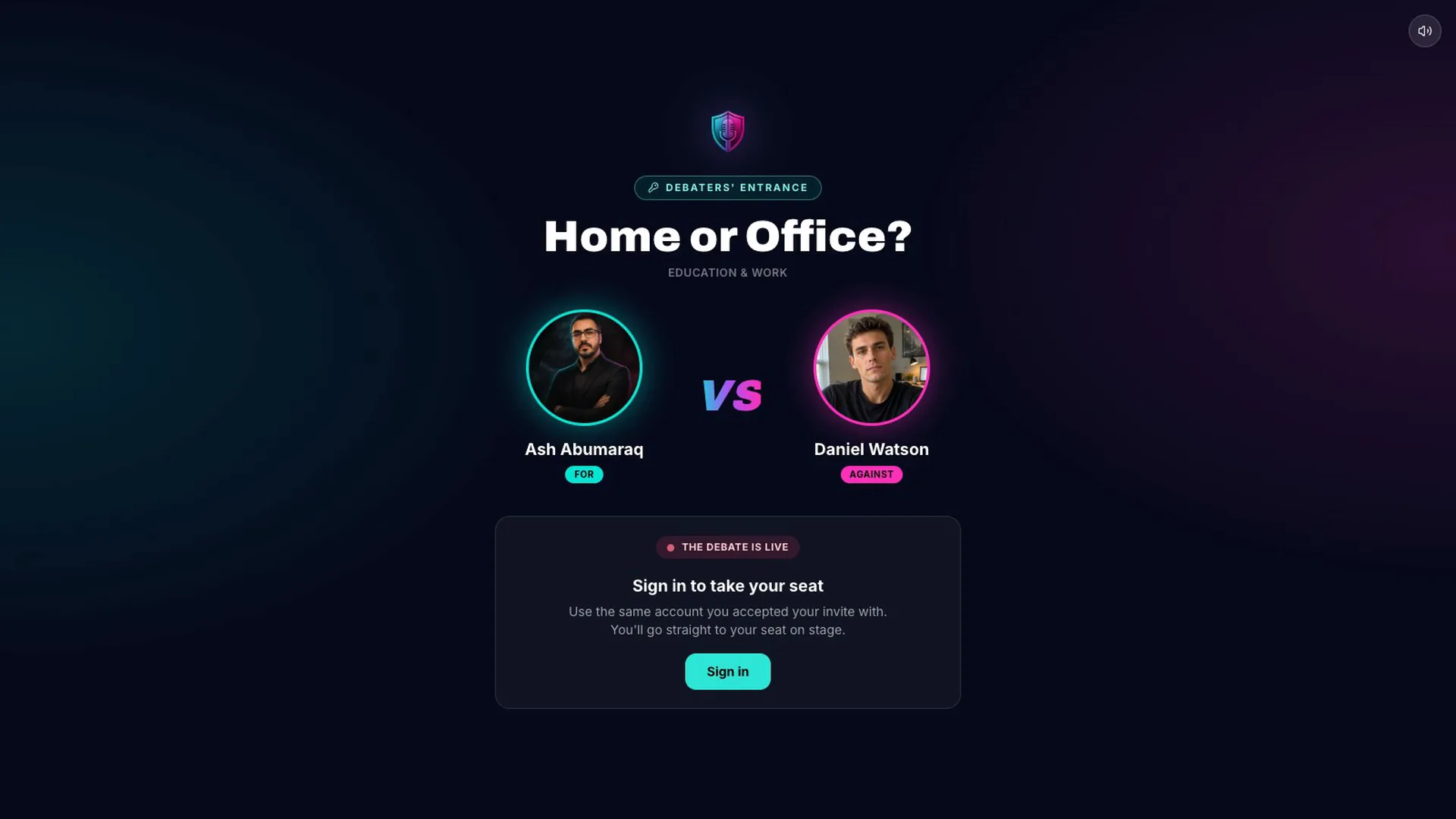
Complete the media release if you have not already, then turn on your camera and microphone when the arena asks. That's it, you're in.
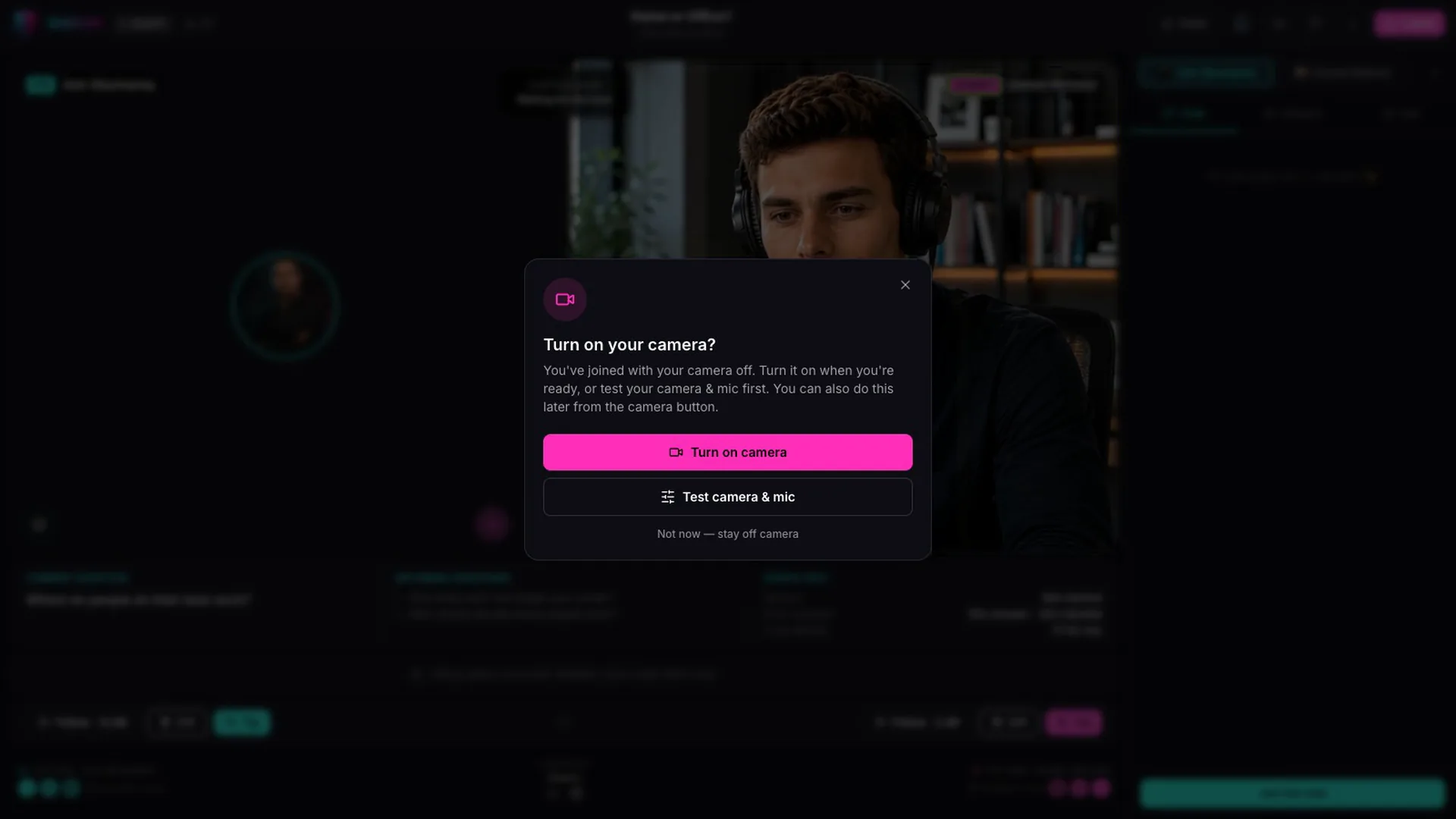
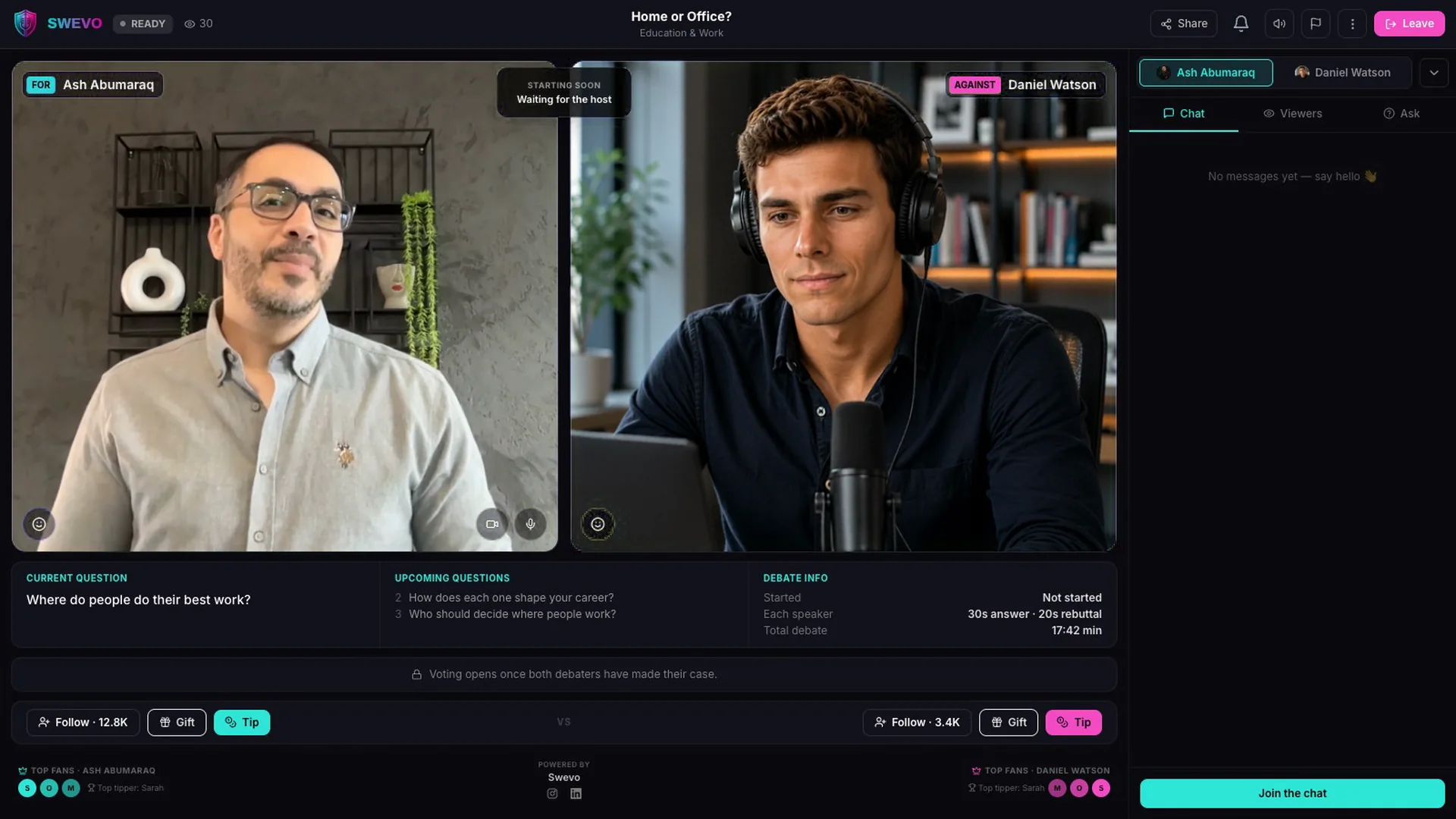
This is the part that surprises people: the moment you enter the lobby, the audience can see and hear you. The debate has not started yet, but the room is open.
In the lobby, you are in control of your own microphone. Use the time to greet your opponent, welcome the audience and settle in. If you need a moment, mute yourself.
Once the debate starts, the arena runs the show. Your host may step in to welcome everyone first. While the host is on stage, they get the big tile and the two debaters are stacked on the right.
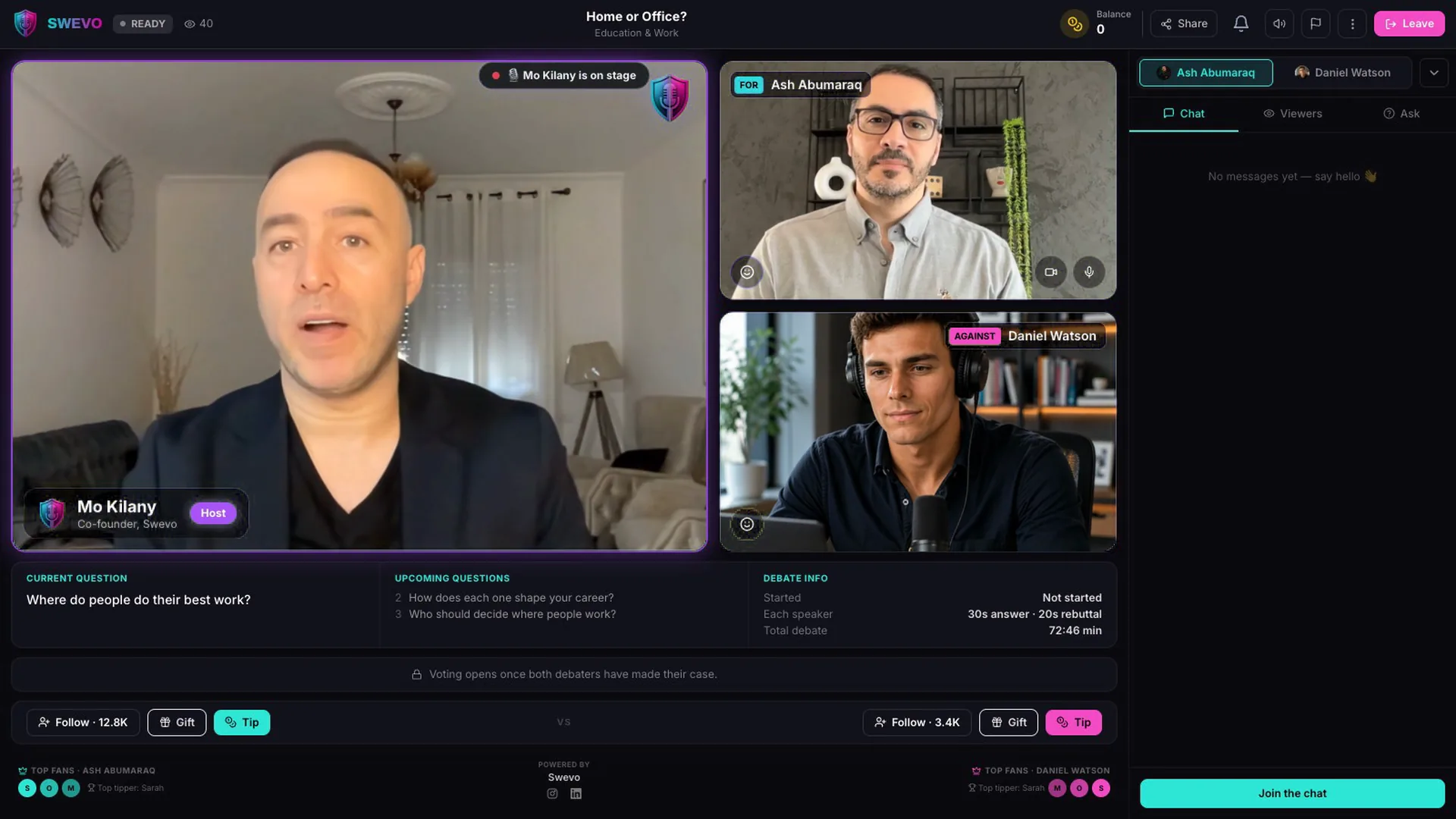
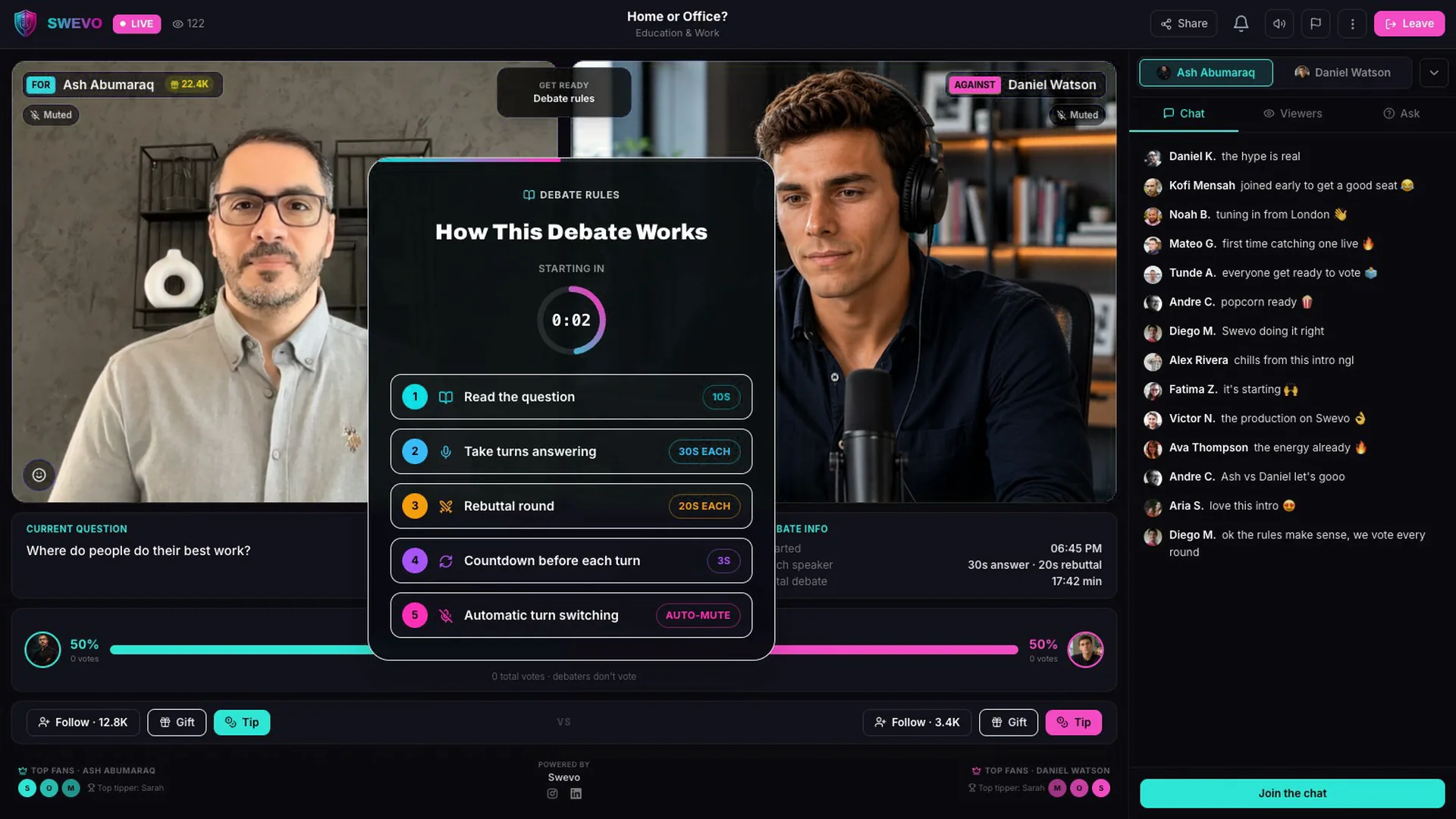
Then comes a short introduction video and the arena rules. Both microphones stay muted during this sequence, so there is nothing you need to do except get ready.
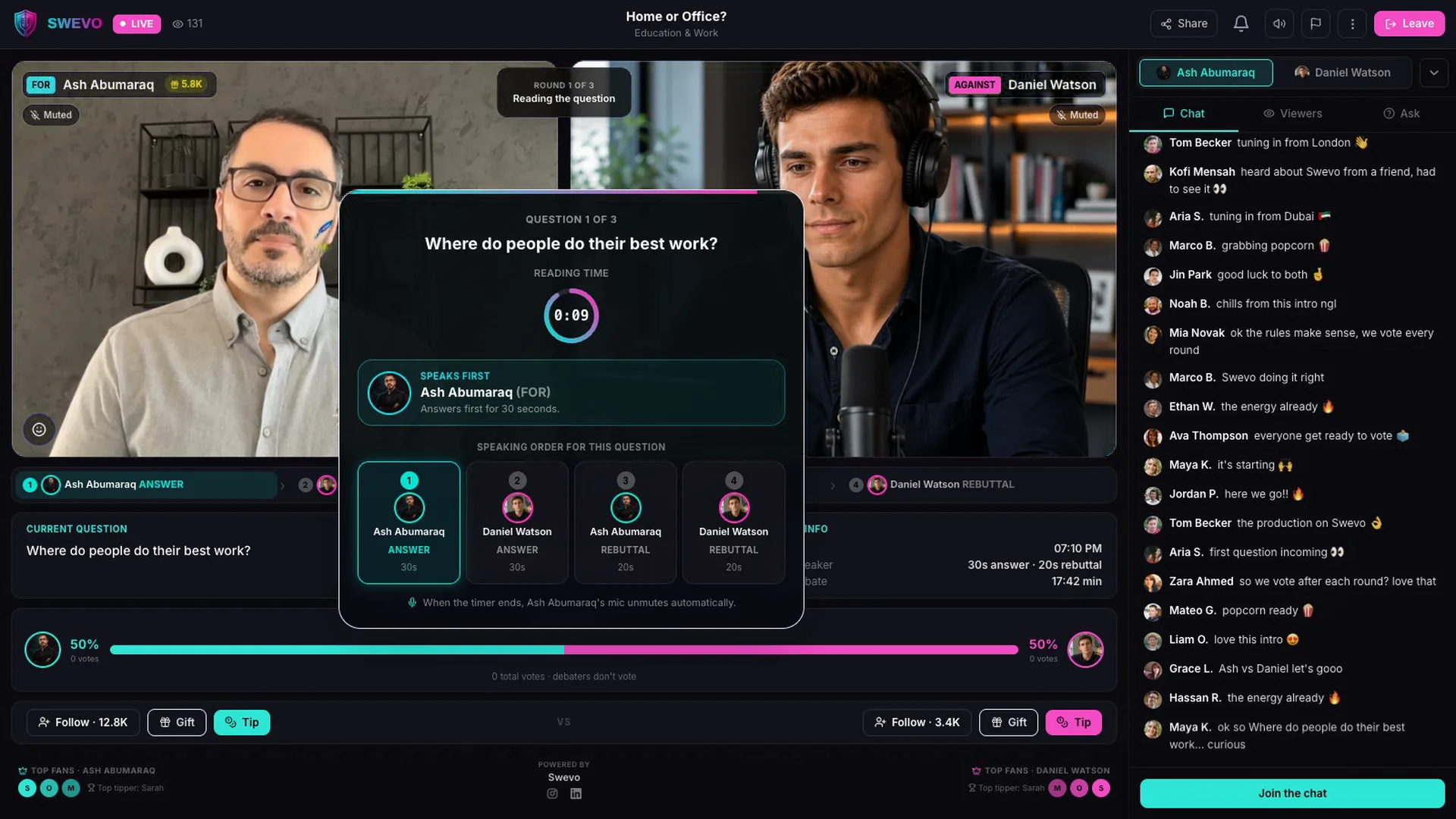
Each round begins with a question. You get a few seconds to read it, and the arena shows the speaking order for that round, so you always know who goes first.
Before your debate, we agree on the format together with both debaters:
- How long each answer is.
- Whether there are rebuttals after the answers.
- Whether there are closing statements at the end.
- Who opens each round. It can alternate, so neither side always goes first.
Once the debate begins, you never have to manage any of this yourself.
Step 7: Your turn and your timer
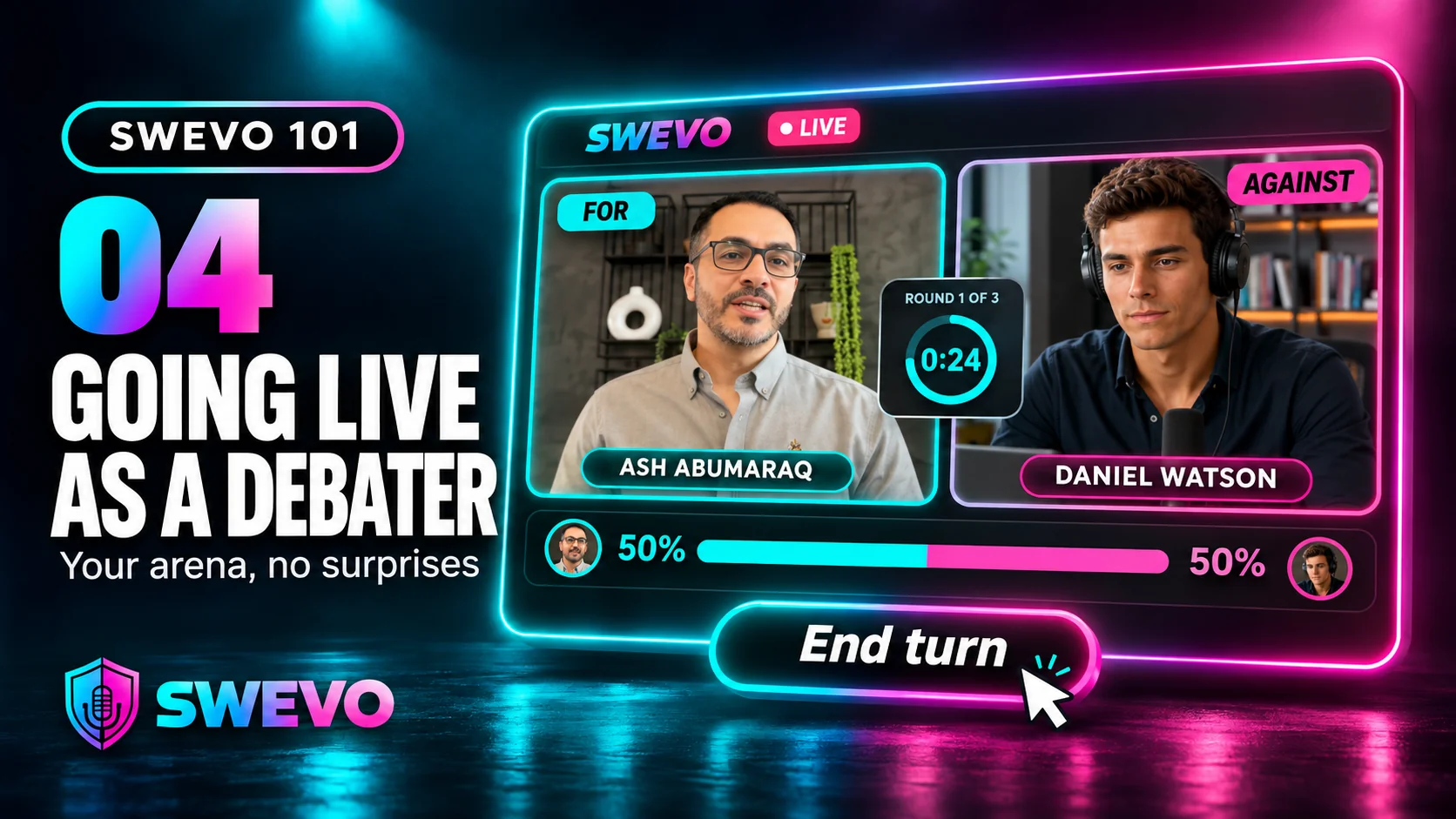
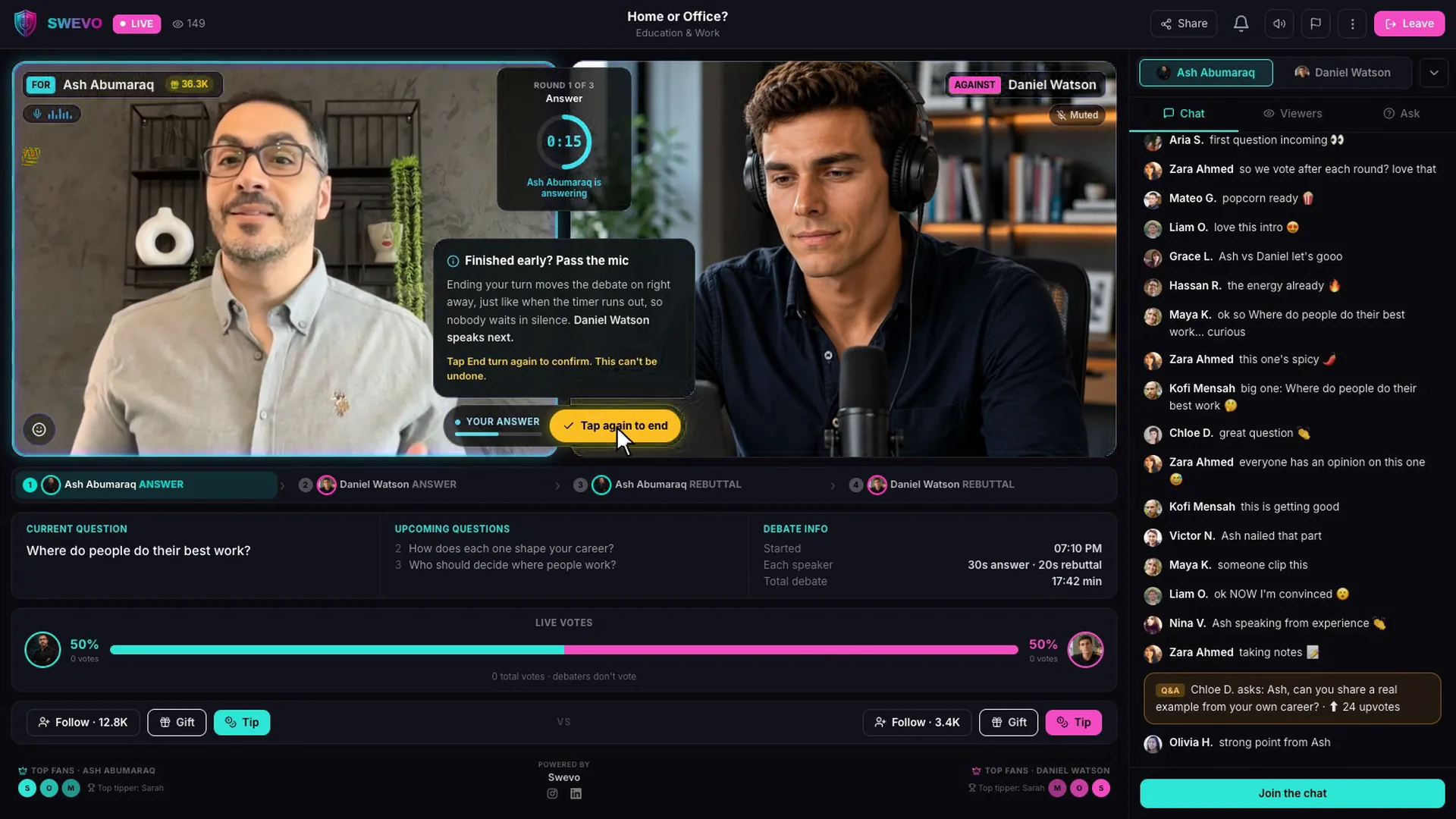
When it is your turn, your microphone opens automatically and your timer starts. Keep an eye on it:
- At 10 seconds left, the timer glows.
- At 5 seconds, it starts pulsing and you hear a few pings.
- When time runs out, your microphone mutes automatically.
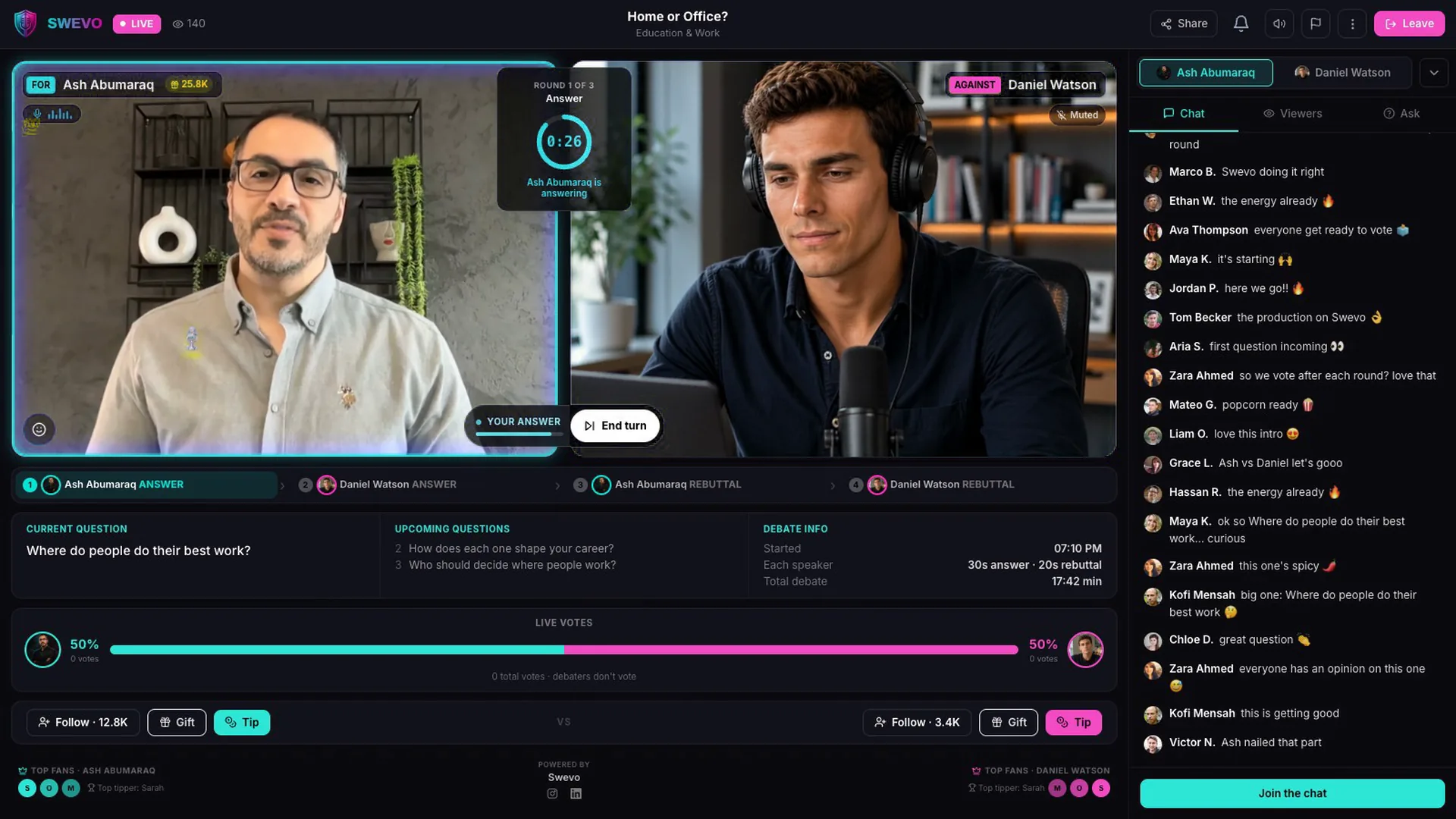
You do not need to worry about whose microphone is on. The arena only opens the mic of whoever is speaking.
If you have made your point before the clock runs out, press End turn, then tap it again to confirm. The second tap is there so you never end your turn by accident.
The next speaker gets a short Get ready countdown, then their full speaking time. If your debate includes rebuttals, you each get another chance to respond to each other, in the same order.
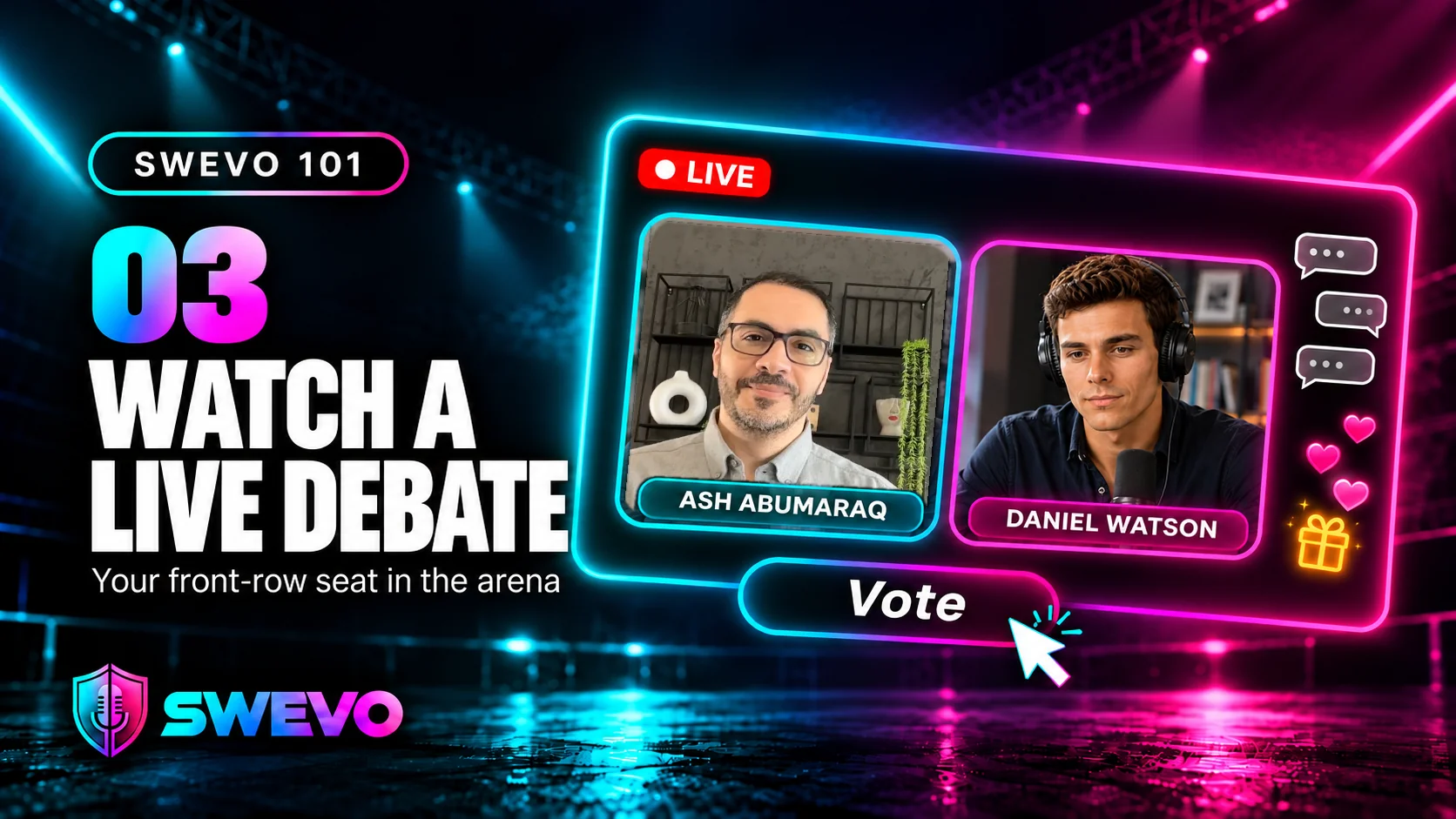
This is what makes Swevo different: the audience is not just watching, they are part of it. After every round, viewers vote on who made the more convincing case.
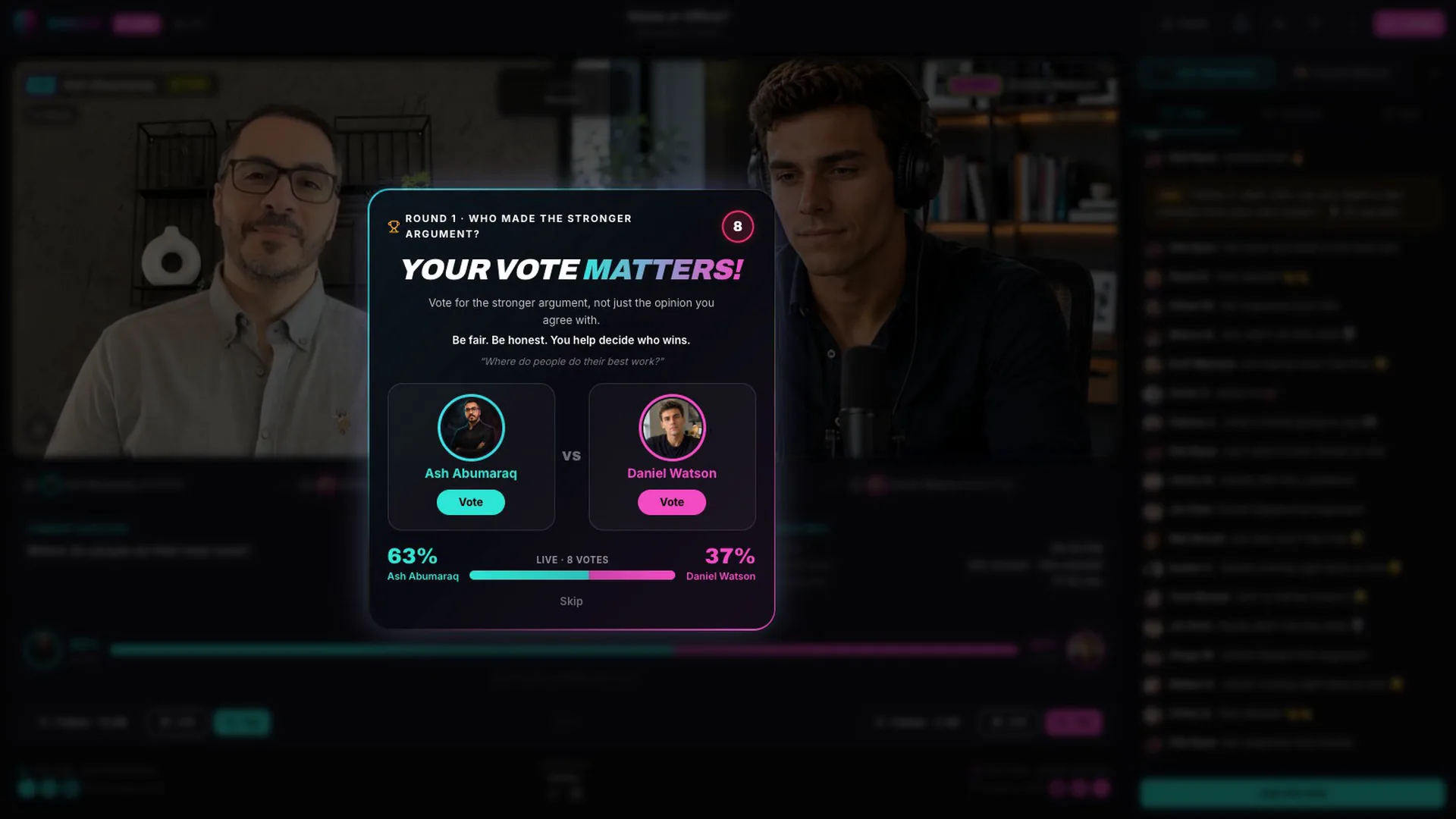
You will see the votes come in live on the vote bar, but as a debater, you do not vote. The verdict belongs to the audience.
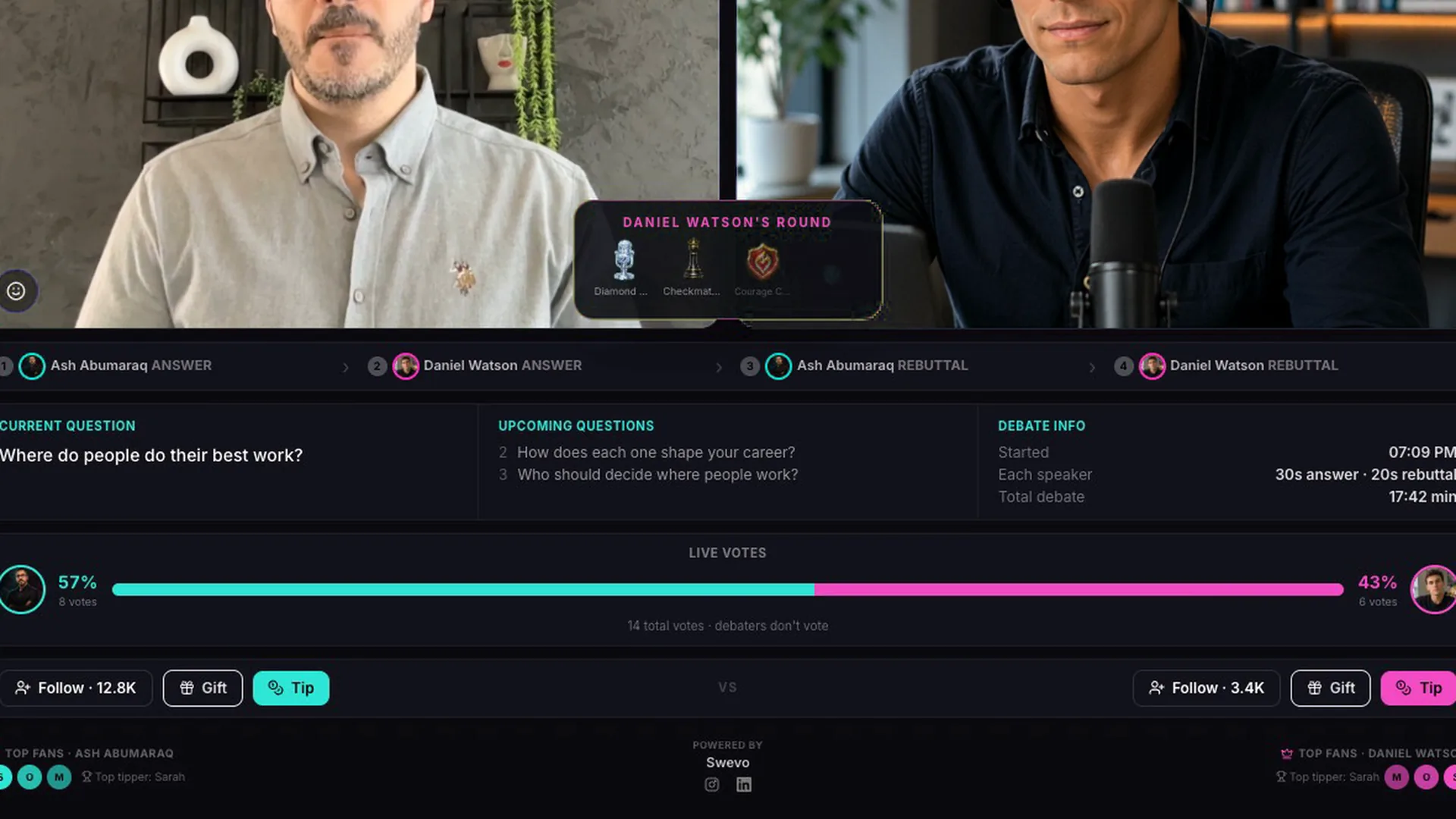
Viewers can also show their appreciation with tips and gifts. These appear on screen without interrupting your turn, so keep going.
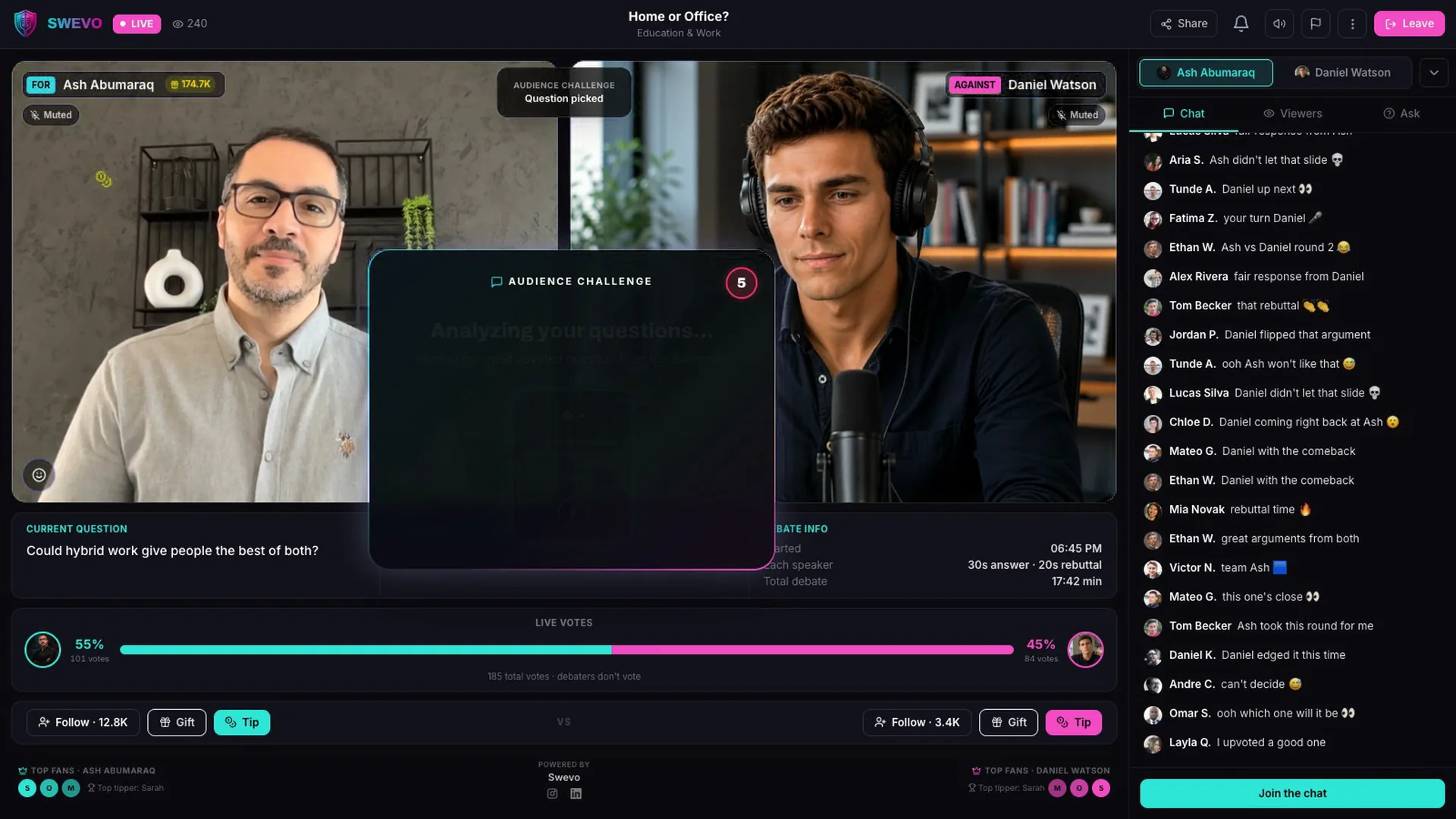
Throughout the debate, viewers submit questions and upvote the ones they want answered. The most upvoted question is selected for both of you. One answer each, no rebuttals and no vote. It is simply a chance for the audience to hear from both of you directly.
Step 11: Closing statements and the final verdict
If your format includes closing statements, this is your moment to bring everything together and leave the audience with your strongest argument.
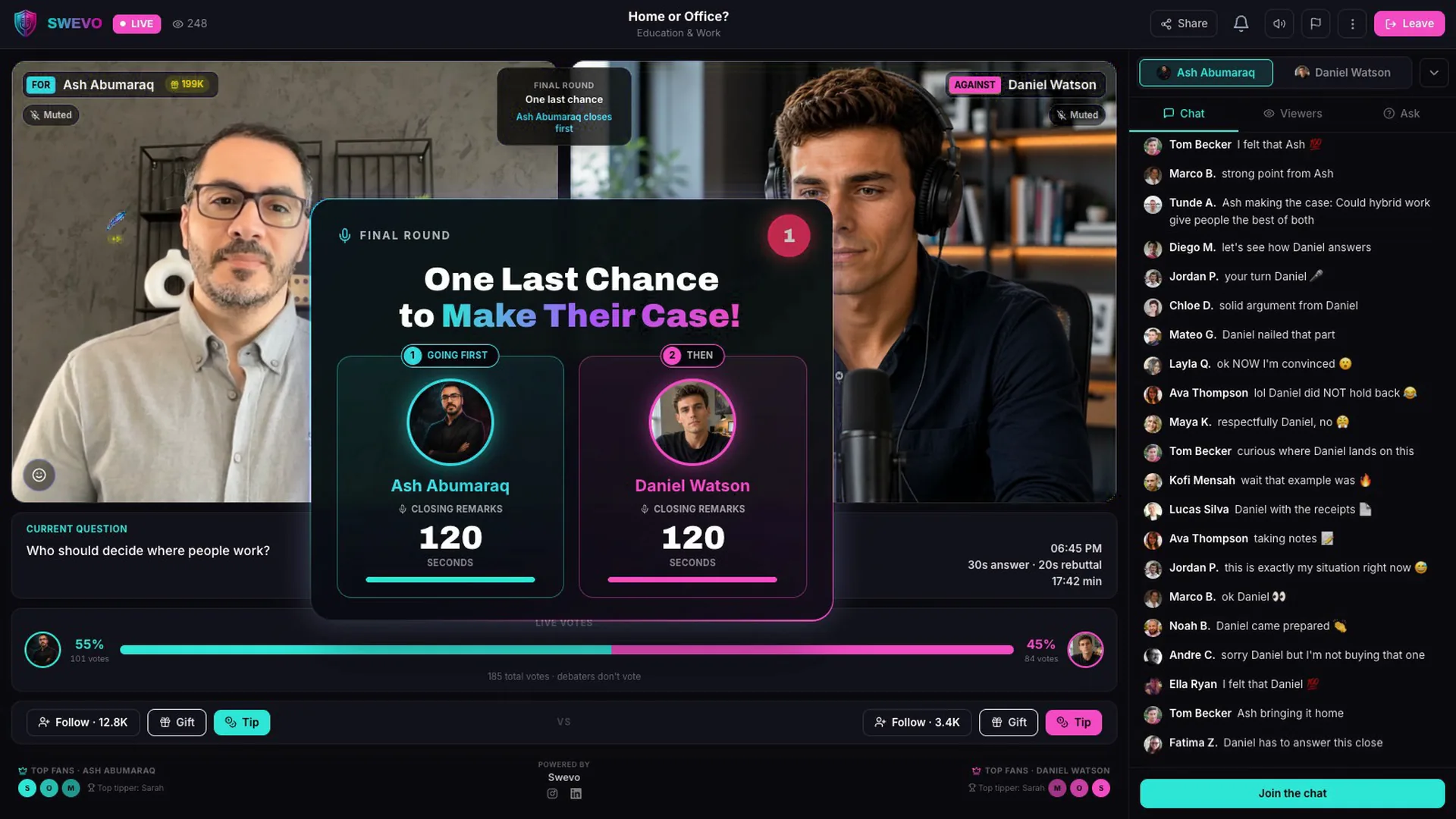
Then comes the final vote, when the audience delivers its verdict.
The conversation does not have to end with the vote. When Open Mic begins, you are back in control of your own microphone and both debaters can speak freely.
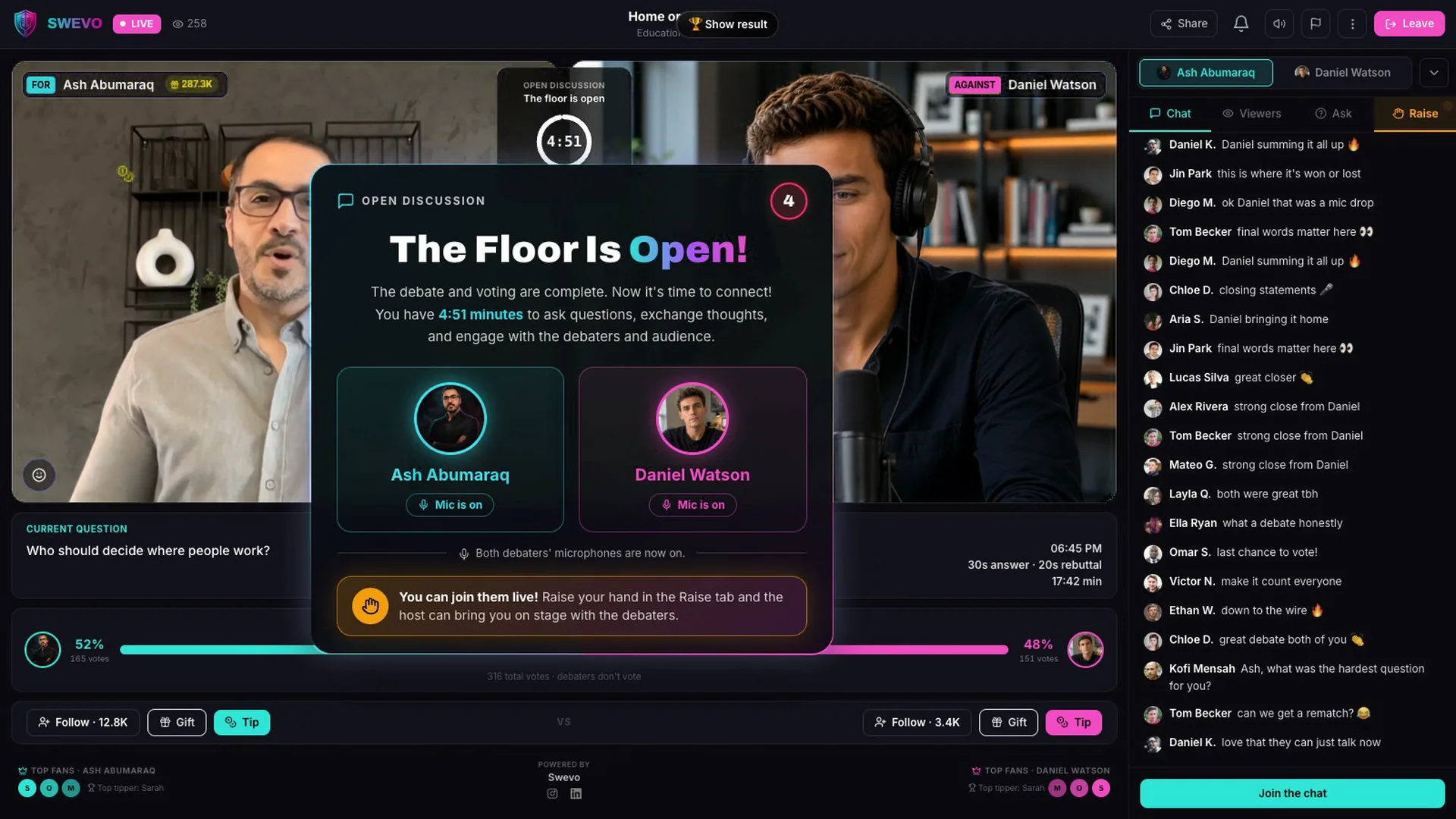
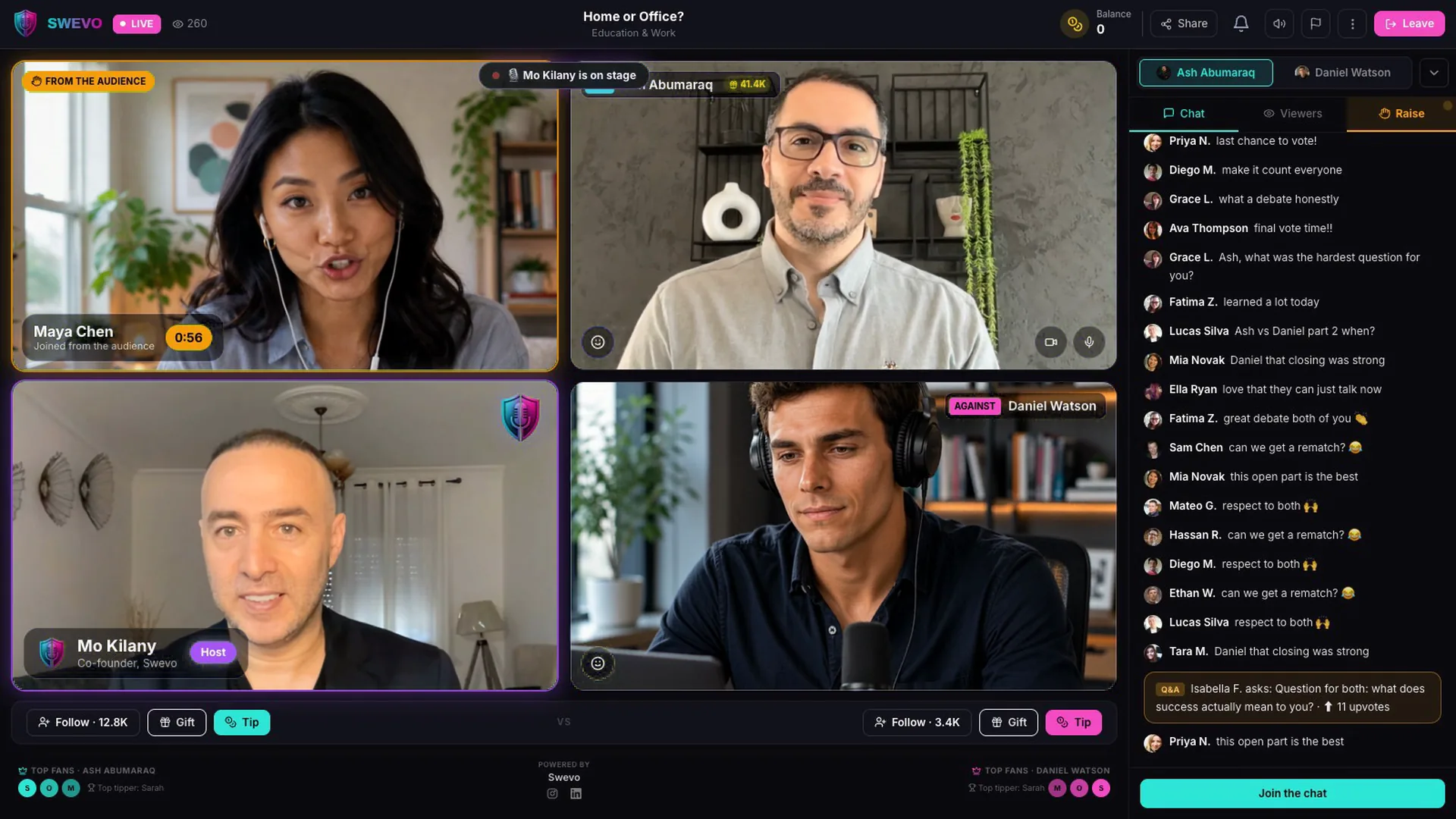
During Open Mic, the host can join you, and audience members can raise their hands to come on stage and ask their questions face to face. The stage makes room for everyone: whoever joins sits on the left, and the two debaters sit on the right.
Do not worry. The arena automatically brings you back into your seat. If you miss part of your turn, your host can pause the debate and restart your turn, so you never lose your time.
The one thing to avoid: do not press Leave mid-debate. Just stay in the arena and let it reconnect you.
When the arena closes, you will get a short feedback survey. It takes about two minutes, and it shapes how we run the next debate.
Your debate is also recorded, so you can revisit it and share the replay with your network.
- Profile ready: photo and bio.
- Headphones on, in a quiet spot with good light.
- Connection checked, one device, one tab.
- Watch your timer: it glows at 10 and pulses at 5.
- Make your case: the arena handles the rest.
Come prepared, respect your opponent and bring your best arguments. We'll handle the stage, you bring the perspective. Want to see what it looks like from the other side? Read how to watch a live debate on Swevo, see how Swevo works, or browse the Debates page. See you in the arena.